
How Smart Video Editing Tips Can Turn Average Content Into Viral Videos
Every video creator starts with an idea, but not every idea should be completed according to your attention. Today, in the fast-paced digital world, viewers decide within seconds whether or not they will continue viewing or scroll away. That is where smart editing makes the difference. If you can create strong visuals in your film, make the transitions smooth, balance the content appropriately, and ensure the pacing is right.
Then your film can turn into content that people will recognize and share. Whether you are making videos for social media, business promotion, or self-branding, the right Video Editing Tips can skyrocket the quality and engagement of your videos in a flash. This blog will explore the top editing tips to make videos look professional, emotional, and effective online.
Crucial Editing Tips for Beginners
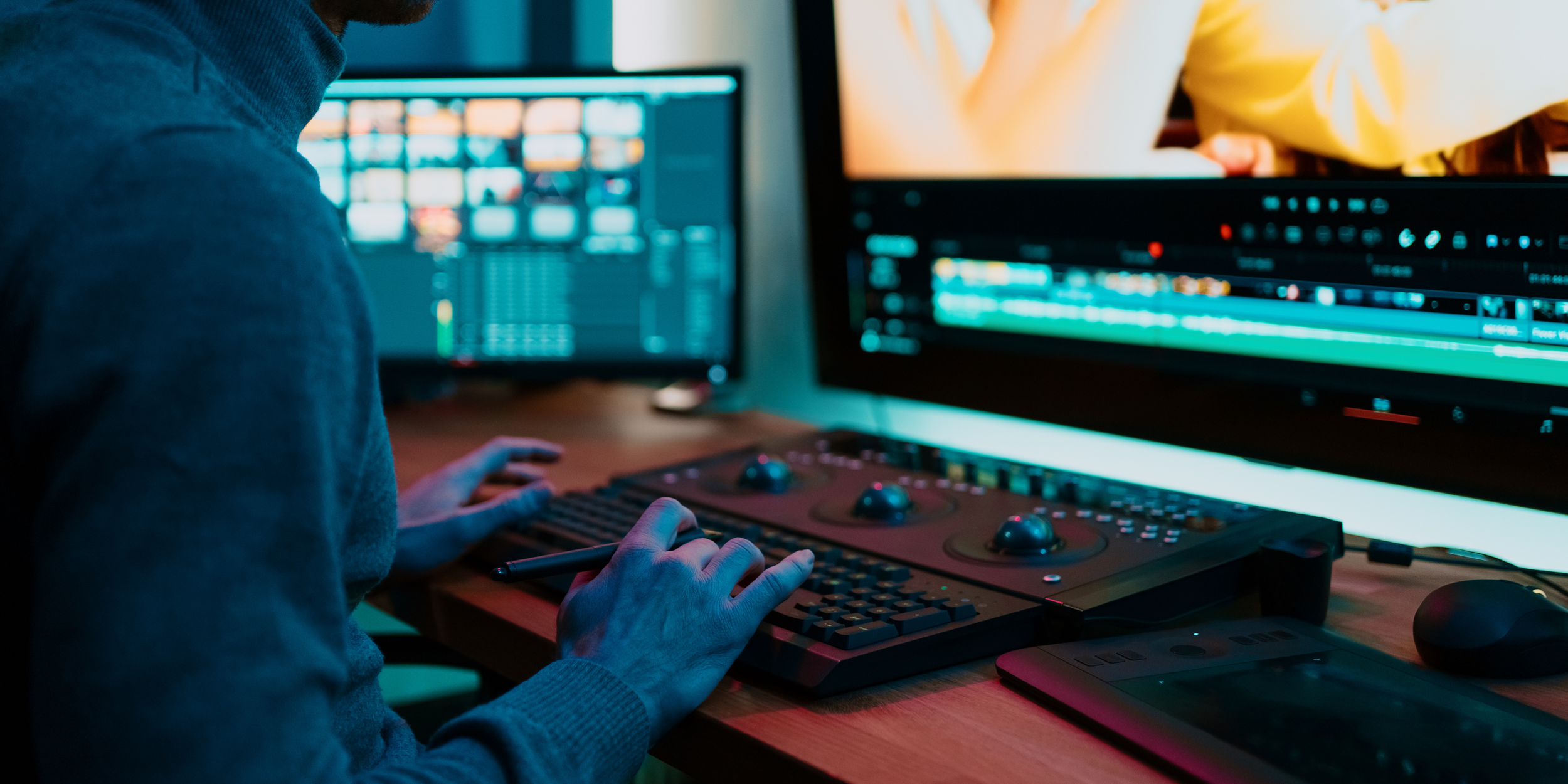
All accomplished editors have begun from scratch. The easiest approach to filling the gap is to develop some habits early. Create a timeline from the start, label clips, colour code sequences, and organise your project files before cutting into the timeline. Do not edit your original footage; rather, edit your raw footage only after copying it.
Learn the shortcut keys of your software program because even if they look insignificant at first, later on, you'll realize how many hours you would have saved using them in the case of large editing projects. Don't try to polish every second of your first cut; rather, create a rough cut, then polish later. Professional teams like BrandWorx Media understand that organized editing workflows lead to smoother and more polished results.
How to Increase Efficiency, Create a Visual Story, and Polish Your Video
The visual storytelling process shouldn't be restricted to creating visually appealing graphics. Picture those pivotal moments that will help make the film viewers emotionally engage with. Use the 3-act structure principle when creating short videos:
Act 1 - Interesting; Act 2 - Tension; Act 3 - Resolve Tension
Don't forget about colour grading to achieve the right polish. The whole video is in one colour, which indicates its purposefulness and professionalism. Keep the same tone, apply LUTs (Look-Up Tables). Try to use noise reduction when shooting in low-light areas and selectively sharpen.
How to Perfect Cut Shots
Correctly cutting footage is one of the most crucial editing techniques. Well-crafted cuts are smooth and natural, whereas bad cuts can derail the video experience.
Cut During Movement
Motion transitions make smoother scene changes and enhance the flow between clips.
Remove Unnecessary Frames
No matter how minor the delay, it can impact pacing. Tight editing keeps the viewers engaged in the video.
Match Audio With Visual Cuts
The synchronization between the sound and visual aspects helps to create a sense of smoothness and professionalism in the editing process.
Maintain a steady flow of energy
All videos must be at a consistent speed and match the mood and purpose of the video.
10 Video editing tips for any project
Implementing these easy editing techniques can aid you in making your videos more appealing and professional on all online media channels:
Start with a compelling introduction.
Eliminate any unwanted pauses promptly.
Have seamless transitions.
Utilize subtitles for accessibility.
Be careful with the background music.
Include branding in your videos.
Ensure your videos are mobile-friendly.
Apply color correction.
Maintain proper pacing in the video.
Conclude with an effective call to action.
Common Video Editing Mistakes That Hurt Engagement
Slow Start:- If it doesn't catch the viewer, they leave in the first 5 seconds. Get to the point right away.
Pacing:- Uncomfortable, long, slow, and fast cuts. Adjust editing pace to the energy of the material.
Excessive use of transitions:- Wipes, spins, and flash effects detract from the message. Clean cuts are nearly always better.
Skipping audio quality:- Poor audio will ruin a good video! While viewers will overlook bad visuals, they will not overlook bad audio.
Not optimising for mobile:- Most content is viewed on a phone. Avoid placing text that is hard to read at small font sizes and ensure important visuals are in the centre of the frame.
How Music and Sound Effects Make Videos More Addictive
Audio is one of the strongest emotional tools in video editing. Audiences' reactions to content can be altered with the right music.
Music makes an emotional connection
Background music is used to create atmosphere, intensity, excitement, or feeling in a video.
Sound Effects Improve Realism
The subtle audio elements like transitions, clicks, ambient noise, and motion sounds add to the immersion of videos.
Proper Audio Improves Viewer Retention
Balanced sound design ensures that viewers will stay engaged for longer and will feel a smoother experience.
Professional-looking Content with these Simple Video Editing Tips
The simplest change makes the best outcome. Stable footage conveys a higher-quality video instantly. The right alignment and framing also help in the visual presentation. Another good idea is to incorporate branded text or graphics. Good lettering is well-maintained and does not detract from the viewing experience, likewise with consistency.
The font, color, transition, and editing style should be uniform throughout the video. Another crucial matter that creators should take care of is that they are presenting their videos in the right format for every platform. Optimum viewing and presentation due to correct resolution and aspect ratio. These are some of the most effective Video Editing Tips that Brandworx Media will use to make content more visible in the competitive digital world.
Final Thoughts
Perfect editing is not all about using complicated techniques and spending loads of money. This is more about how you utilize and leverage visuals, rhythm, sounds, and storytelling. Using the right video editing tips, you will be able to turn your normal videos into professional videos that people would like to watch and share.
Are you a business or video maker who needs professional video editing? Contact BrandWorx Media, and you will get captivating videos that will help you maximize profits. Get started with video editing today and create videos that people will always want to see and share!
FAQs
What are the 3-2-1 rules of video editing?
It is a concept that involves having three copies of footage, using two different devices, and one copy off-site. This is to ensure the protection of video files from loss or damage by accident.
Is it too costly to get software for good video editing?
No, there are plenty of free or cheap editing software out there that will provide amazing tools for editing videos for beginners and pros. Expensive software is less important than strong creativity and editing abilities.
What are the top video editing pitfalls to avoid?
Don't have bad sound quality, too many transitions, too slow or too fast a pace, poor resolution exports, too long a scene with not a lot of engagement.
Is it possible for video editing to boost engagement?
Yes, proper editing ensures that your audience is held and engaged with emotions and that what you've done is of quality.
How do newbies learn how to edit videos effectively?
Beginners can improve themselves through practice, looking at other content that works well, picking up a few cutting and transition techniques, and avoiding unnecessary effects.
